
Mobile workforce app for deskless teams
Give employees and managers one mobile app for the daily work that keeps operations moving — schedules, time clock, tasks, updates, chat, directory, time off, coverage, and approvals.
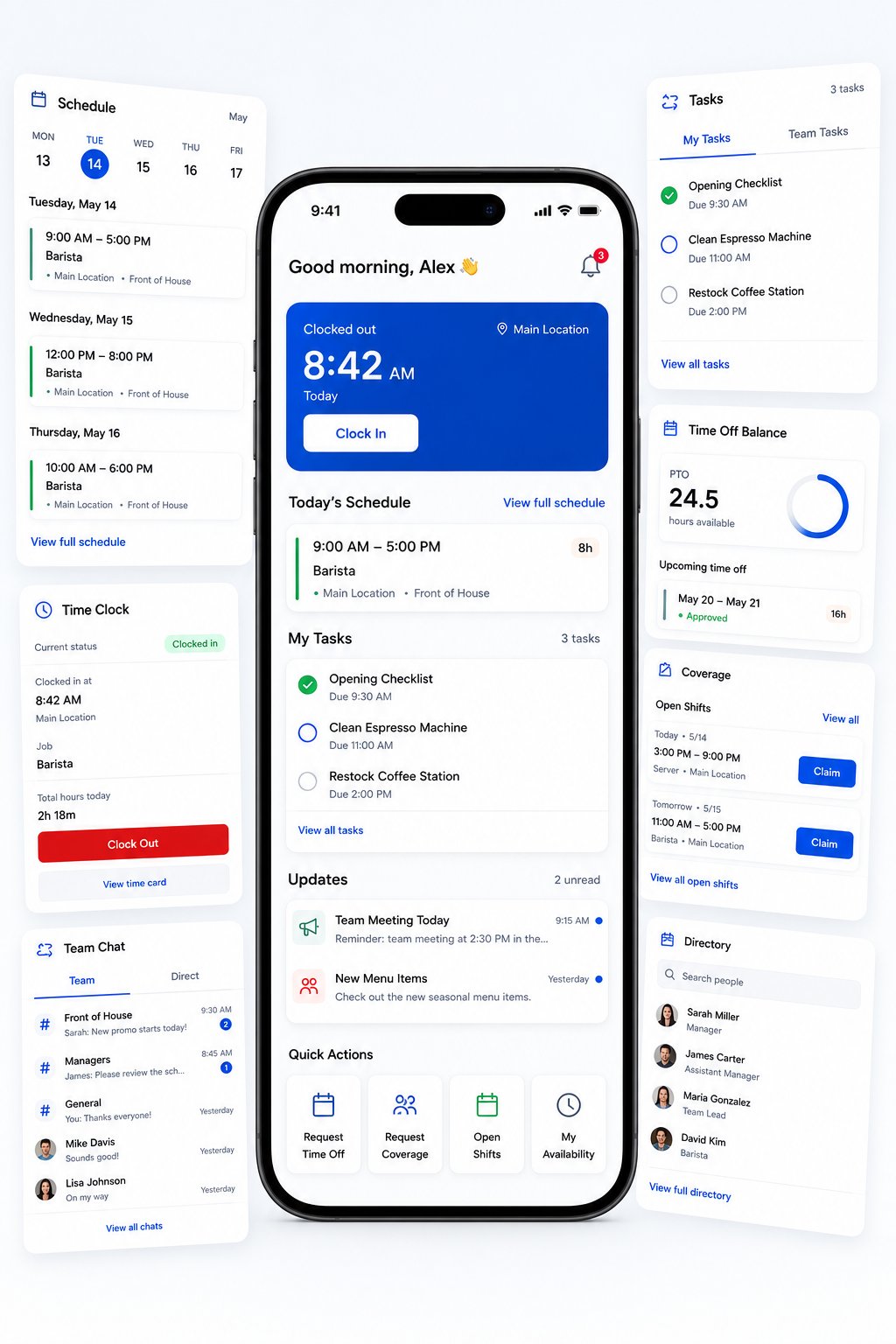
Deskless work gets scattered fast.
Schedules live in one place. Tasks get handed off somewhere else. Updates are buried in messages. Coverage requests turn into text chains. Managers end up chasing the work instead of running the day.
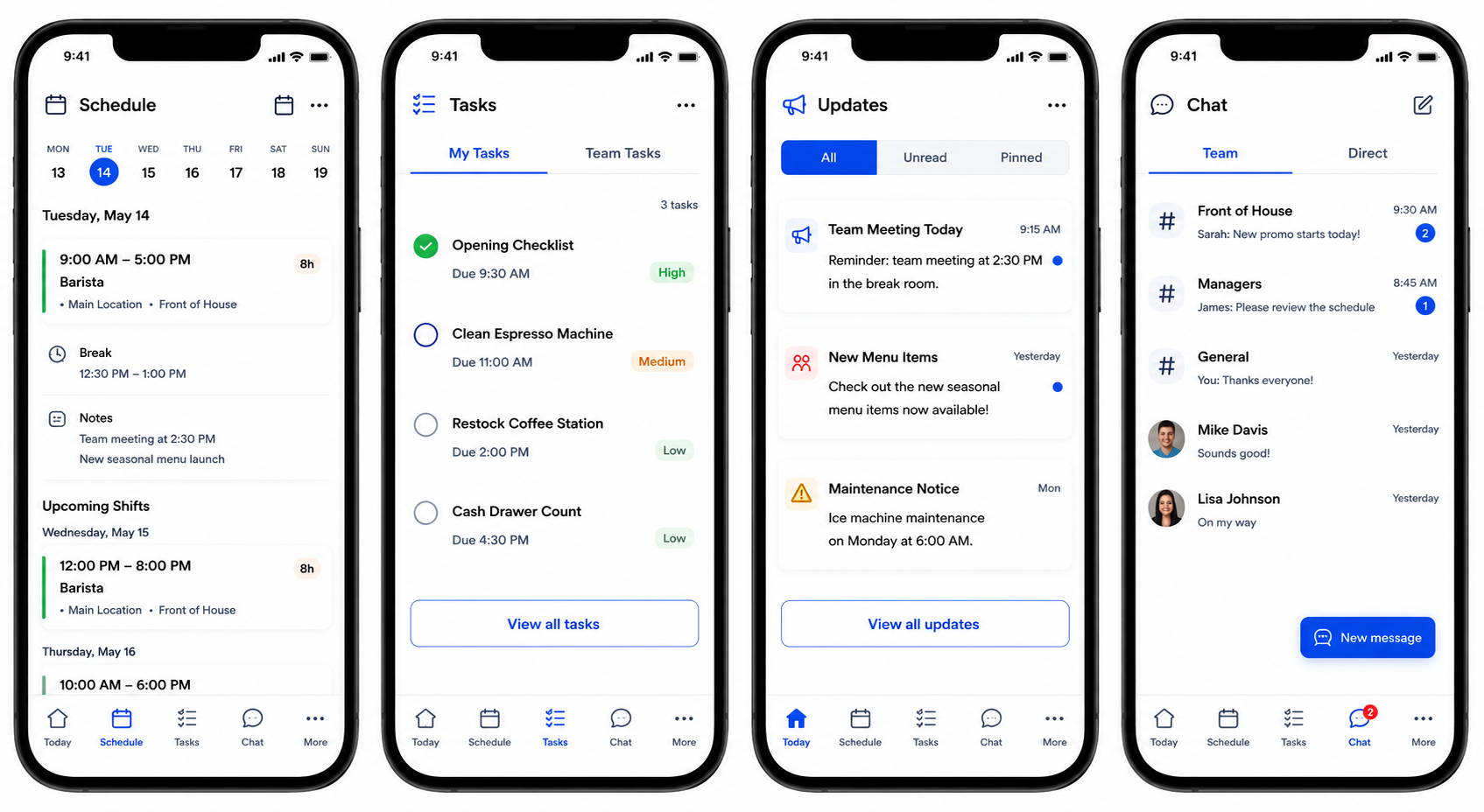
Give deskless employees the workday in their pocket.
Employees can check their schedule, complete tasks, read updates, message their team, request time off, and handle coverage actions without waiting on a manager or searching through scattered tools.
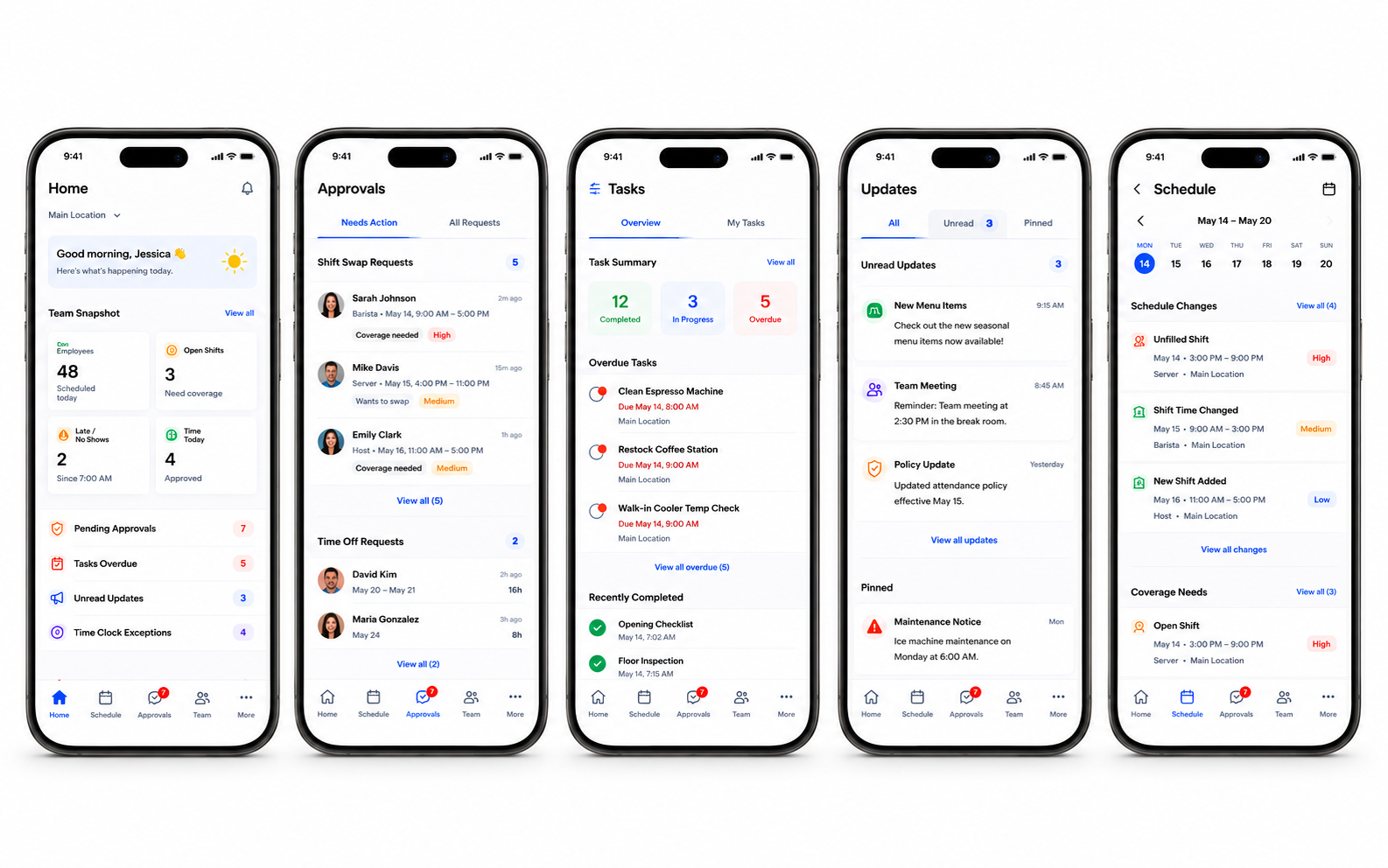
Help managers see what needs attention from anywhere.
Shiftaro gives managers a mobile view of approvals, coverage needs, task follow-up, unread updates, schedule changes, and time clock exceptions so they can act before small issues turn into operational problems.
One mobile app for the work that keeps your day moving
Give your team quick access to schedules, time clock, tasks, updates, chat, directory, time off, coverage, and approvals — all from one mobile workforce app.
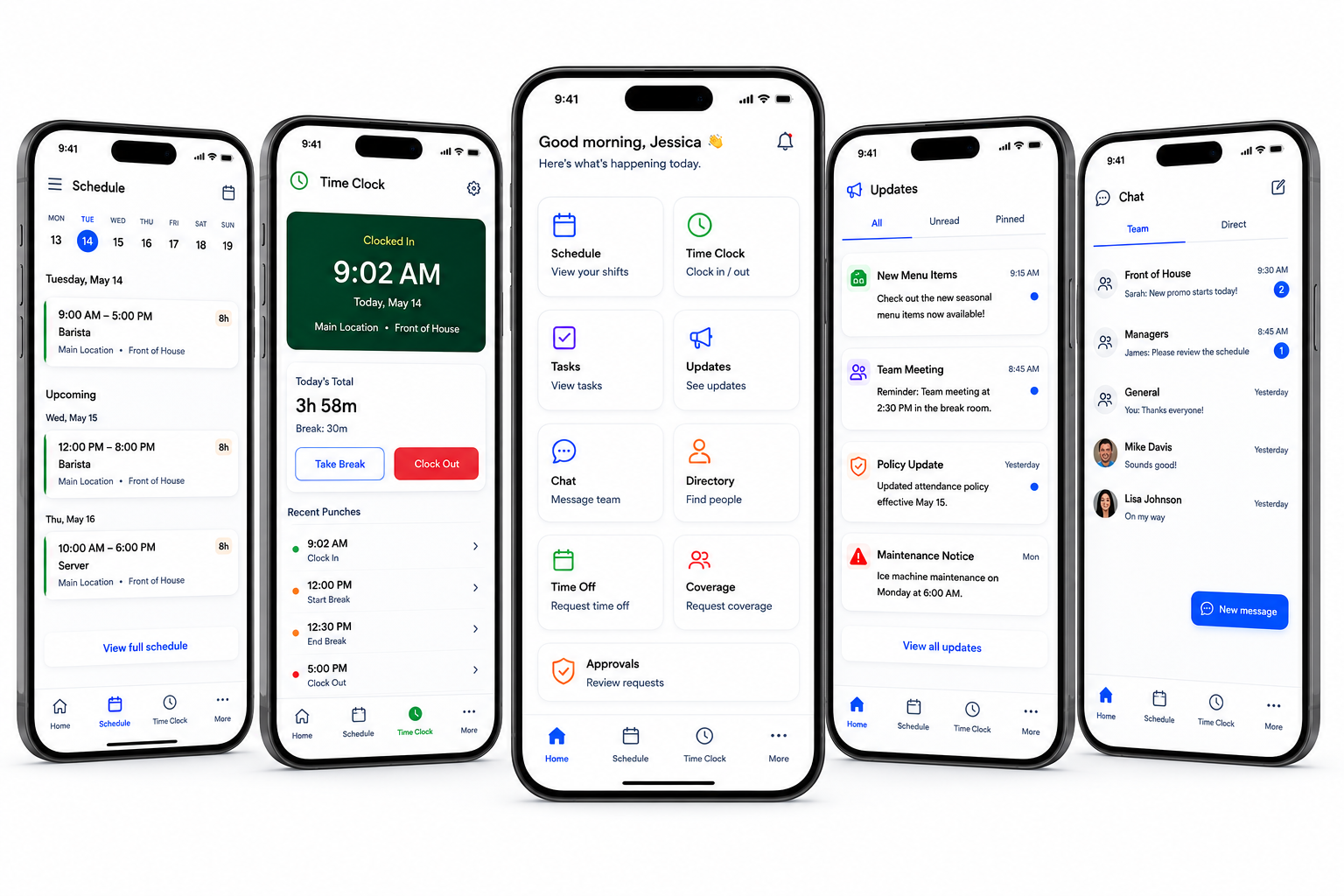
Not just a mobile shell around disconnected tools.
Shiftaro connects mobile actions to the operational context behind them — schedules, rules, approvals, coverage impact, time, tasks, communication, and follow-up visibility.
Coverage requests, time off, shift changes, and approvals can carry the information managers need to act confidently.
Tasks, updates, chat, directory, and schedules are not separate experiences. They are part of the same workday flow.
Shiftaro helps surface what needs attention so managers can prioritize action instead of chasing every detail manually.
Mobile workforce app questions
Answers for teams evaluating a mobile workforce app for deskless employees and managers.
What is a mobile workforce app?
A mobile workforce app gives employees and managers access to workday actions from a phone, including schedules, communication, tasks, time clock, time off, coverage, approvals, and employee information.
Is Shiftaro built for deskless teams?
Yes. Shiftaro is designed for employees and managers who do not spend the day at a desk and need mobile access to schedules, tasks, updates, team communication, coverage, and daily operations.
Can employees manage schedules from mobile?
Employees can view schedules, see upcoming shifts, receive updates, request coverage, claim open shifts, and stay informed when schedule changes happen.
Can managers approve requests from mobile?
Managers can review requests and operational items from mobile, including coverage needs, time off, schedule changes, task follow-up, unread updates, and time clock exceptions.
Does the mobile workforce app include chat and updates?
Yes. Shiftaro brings team chat, announcements, updates, read visibility, and employee directory access into the mobile workforce experience.
How is Shiftaro different from a basic employee app?
Shiftaro is designed to connect employee actions to manager visibility, approvals, rules, decision context, and follow-up so daily workforce operations are easier to manage.
Give your deskless workforce one app for the workday.
Bring schedules, time clock, tasks, updates, chat, directory, time off, coverage, and approvals into one connected mobile experience.